GE Serial Number Lookup: How to Find It
Finding your GE serial number can sometimes feel like searching for a needle in a haystack. Many people struggle with locating it quickly, especially when they’re in the middle of a repair or warranty check. You’re not alone—this is a common challenge.
To find your GE serial number, check common spots like inside the fridge door frame, around the washer lid, on oven edges, dishwasher inner door edges, or dryer back panels. Use a flashlight if needed, and avoid mixing up model numbers with serial numbers.
Your serial number reveals key info for warranty checks, repairs, and parts ordering.
If you need extra help or want to understand decoding and warranty benefits, keep exploring for detailed guidance.
Key Takeaways
- Locate the GE serial number on the appliance’s rating plate, usually inside the door frame or back panel, depending on the appliance type.
- Use a flashlight and clean the area to clearly see the serial number sticker, making sure not to confuse it with the model number.
- Common serial number spots include inside fridge compartments, door frames of washers and dryers, and inner door edges of dishwashers.
- The first two characters of the serial number show the factory location, followed by the production date and batch details.
- Enter the serial number on GE’s official warranty lookup website or contact customer support to verify warranty and service details.
Where to Find Your GE Serial Number
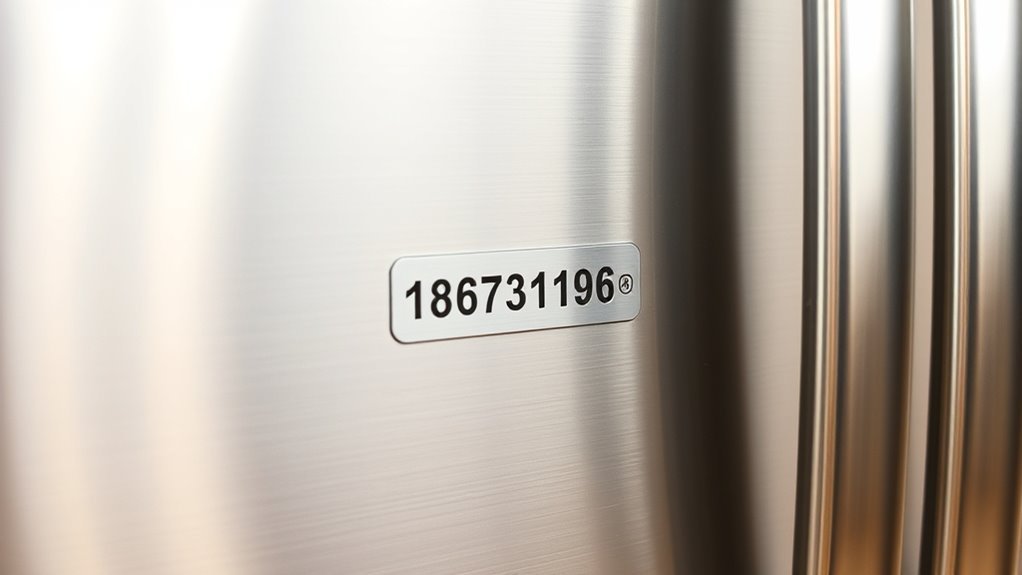
Wondering where to find your GE serial number? It’s important to locate it because the serial number helps identify your appliance’s manufacturing details, warranty status, and whether it’s eligible for repairs or recalls. Knowing where to look saves you time and frustration when you need assistance.
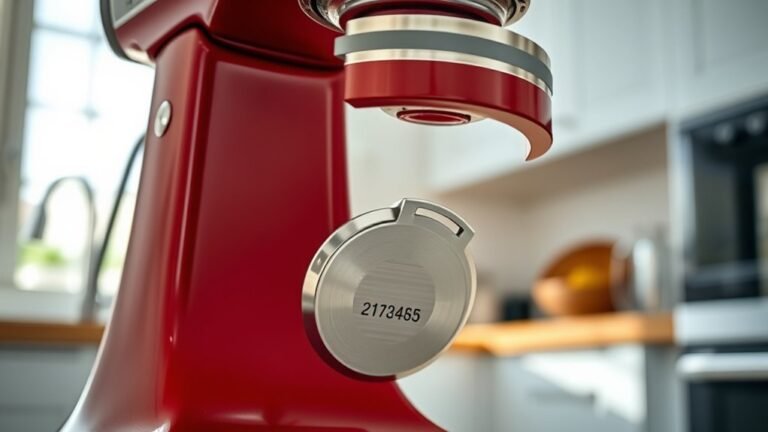
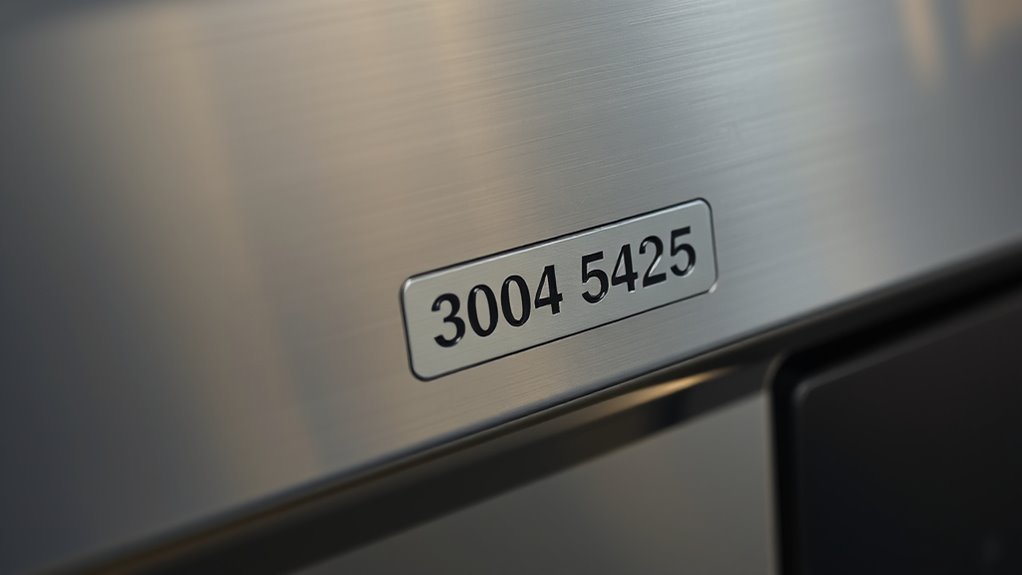
Your GE serial number is usually found on a label or metal plate attached to the appliance. This label also shows key info like the model number and manufacturing date. If you can’t see it right away, check your user manual or visit GE’s official website for guidance. Sometimes, customer support can help if you describe your appliance and model.
GE Serial Number Locations on Common Appliances
Looking for the serial number on your GE appliances? Usually, for refrigerators, you’ll find it inside the fridge compartment, often near the door frame. It’s pretty easy to spot there.
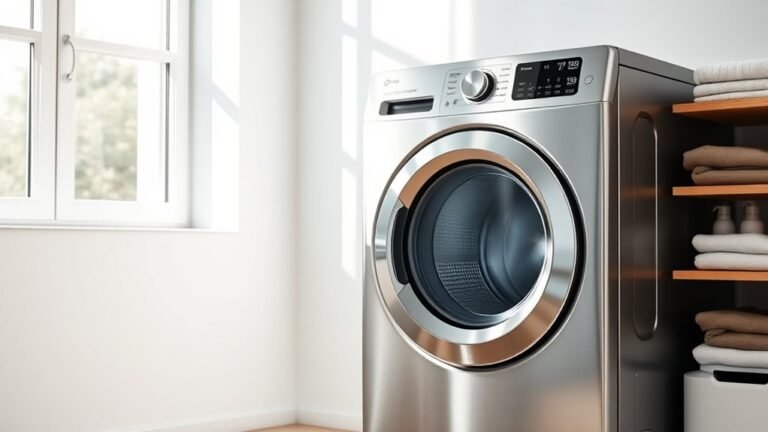
If you’re trying to locate it on a washer, check around the door or lid area. Manufacturers typically put a sticker or metal plate in that spot.
And for ovens, the serial number is often on the frame behind the door or on the edge of the oven cavity. Just a quick peek there should do the trick!
Refrigerator Serial Number Placement
Finding the serial number on your GE refrigerator is easier than you might think. Depending on the model, GE usually places the serial number on a sticker inside the fridge compartment, often along the side wall or ceiling.
You might also find it on the door frame or behind the crisper drawer. Knowing the serial number is important because it helps you check your warranty status, order the right replacement parts, and identify your exact model when you need support.
Don’t confuse it with the model number—both are important but serve different purposes. If you’re troubleshooting or registering your appliance, quickly locating this number saves you time and hassle.
Just open your fridge, check the common spots, and you’ll have it in no time.
Washer Serial Number Location
Just like refrigerators, GE washers have their serial numbers placed in specific spots to help you identify your machine quickly. You’ll usually find the serial number on a sticker inside the door frame or on the back of the washer. For front-load models, check the door jamb, and for top-load washers, look under the lid or on the back panel.
Knowing where the serial number is located is essential when you’re following a washer troubleshooting guide or scheduling service. It also helps with things like ordering the right parts or confirming warranty details.
Having the serial number handy can speed up repairs and keep your washer running smoothly without delay.
Oven Serial Number Identification
Oven serial numbers are your go-to for quickly identifying specific models and manufacturing details. To find the serial number on your GE oven, look inside the oven door frame or along the edge of the door itself.
Sometimes, the label is on the frame behind the drawer below the oven. Having this number handy makes it easier to access accurate maintenance tips tailored to your model.
It also helps when troubleshooting common oven issues since customer support can pinpoint the exact parts and service history. If your oven isn’t heating properly or the controls act up, referencing the serial number speeds up repairs.
Always note this number before calling for service or ordering replacement parts to ensure you get the right solutions for your specific appliance.
How to Read and Decode Your GE Serial Number
Your GE serial number is not just a bunch of numbers and letters — it actually holds a lot of useful info about your appliance. Once you learn how to read it, you can figure out when it was made and even identify the specific model you have. This can come in handy if you need to order parts or arrange for repairs, making the whole process a lot smoother.
Serial Number Format
Understanding your GE serial number can help you quickly identify the manufacture date and model details. The serial number is important because it provides key information about your appliance. GE serial numbers differ depending on the product type and year it was made, so recognizing the format variations is helpful.
Here’s how to read the serial number format:
- The first two characters usually show the factory location.
- Letters and numbers that follow represent the production date and batch.
- Keep in mind that formats can vary between appliances, so check your specific model’s guide.
- Some serial numbers also include unique codes for warranty and repairs.
Decoding Date Codes
Once you understand the basic layout of your GE serial number, decoding the date codes becomes much easier. The date code is usually a mix of letters and numbers within the serial number that show the manufacturing month and year.
Using specific decoding techniques, you can figure out exactly when your appliance was made. For example, a letter might stand for the month (A for January, B for February, etc.), and the numbers after that indicate the year.
Knowing this pattern helps you quickly verify the age of your appliance. It’s useful for checking warranty coverage, repair options, or resale value.
Identifying Model Information
The model information hidden within your GE serial number reveals key details about your appliance’s design and features. By decoding this part of the serial number, you can quickly confirm the exact model, helping you identify your appliance and verify its details.
Here’s how to read it:
- Find the section of the serial number that corresponds to the model code.
- Look for specific letters and numbers that show the appliance type and series.
- Cross-check this code with GE’s official resources or manuals for accurate model verification.
- Use the decoded model info when ordering parts, scheduling repairs, or making warranty claims.
Following these steps ensures you can accurately identify your GE appliance, making maintenance and troubleshooting much easier.
Can’t Find Your GE Serial Number? Here’s Help
Struggling to find your GE serial number? Don’t worry—it’s important because it helps identify your appliance for repairs and parts. If you can’t locate it, take a breath. Sometimes, people check the wrong spots or confuse model numbers with serial numbers.
Here’s a quick guide to help you find it:
| Appliance Type | Common Serial Number Locations | Tips to Avoid Mistakes |
|---|---|---|
| Refrigerator | Inside door frame or walls | Use a flashlight for a better view |
| Washer/Dryer | Door frame or back panel | Don’t mistake the model number for serial |
| Oven/Range | Frame behind door or drawer | Clean the area to see stickers clearly |
| Dishwasher | Inner door edge or side panel | Look for metal or paper tags |
Use this table to check the right spots. Remember, the serial number is usually on a sticker or metal plate. Look carefully so you don’t miss it.
How Your GE Serial Number Helps With Warranty and Service
Your GE serial number is pretty much your appliance’s VIP pass when it comes to warranty and service. When you reach out for help, having that serial number ready makes it so much easier to check if your appliance is still under warranty and what kind of repairs you might be eligible for.
It also helps the service team quickly identify your specific model, so they can get to the root of the issue faster. And if your appliance has had previous repairs, your serial number keeps track of those too. That way, you’re always getting support that’s accurate and consistent, without any guesswork.
Warranty Verification Process
Because GE stores detailed information linked to each serial number, you can quickly verify your appliance’s warranty status online or by calling customer service. This process helps you understand the warranty length and any coverage limits specific to your product.
To check your warranty, just follow these simple steps:
- Find your GE serial number on the appliance’s rating plate.
- Visit GE’s official warranty lookup website or give customer support a call.
- Enter or provide the serial number to access the warranty details.
- Review the warranty period and note any coverage restrictions.
Service Request Identification
Knowing how to verify your warranty status is just one way the GE serial number makes managing your appliance easier. When you contact GE for repairs or maintenance, your serial number helps streamline the service request process.
It quickly identifies your specific model and purchase details, so GE’s support team can provide accurate assistance without asking the same questions repeatedly. This saves time and makes the whole process smoother.
Tracking your service requests also becomes more efficient because your serial number links all past and current service activities. You can easily check if your appliance is covered and see what services have been scheduled or completed.
Using your serial number guarantees faster resolutions and keeps your service history organized. This way, you stay informed throughout every step of the repair or maintenance journey.
Repair History Tracking
A GE serial number acts as a detailed record keeper, letting you track all past repairs and services tied to your appliance. When you reference this number, you access accurate repair documentation and maintenance records that are essential for warranty claims and service efficiency.
Here’s how it helps:
- Quickly verify if repairs are covered under warranty.
- Access detailed maintenance records to diagnose recurring issues.
- Ensure service technicians have the full repair history before they visit.
- Make claims easier by providing clear proof of past services.
Ordering GE Replacement Parts Using Your Serial Number
Start by locating your GE appliance’s serial number, as it’s essential for ordering the correct replacement parts. This unique code guarantees you get parts that match your model perfectly, making replacements easier.
When you give the serial number to authorized dealers or online stores, they can quickly identify the exact components designed for your appliance. This helps reduce errors and delays.
Using your serial number also offers several benefits. It helps avoid confusion with similar models, so you don’t waste time or money on incompatible parts. It also makes customer service interactions smoother since representatives can access detailed product info instantly.
How to Register Your GE Appliance With the Serial Number
Before you can enjoy all the features and support services of your GE appliance, you’ll need to register it using the serial number. Registering helps activate benefits like warranty coverage, timely recall alerts, and easier support.
To get started, find your appliance’s serial number. It’s usually on a label inside the door or on the back panel.
Next, head to the official GE Appliances website and go to the product registration page.
Fill out the registration form with your appliance details, serial number, and contact information.
Once you’ve submitted the form, save the confirmation for your records.
How to Safely Track Your GE Serial Numbers
Registering your GE appliance is just the first step; keeping track of your serial numbers ensures you can quickly access warranty details, service history, and support when needed.
To keep your serial number secure, avoid storing these numbers in easily accessible places or public cloud notes without encryption. Instead, use secure methods like dedicated apps designed for managing appliance info or a physical, organized file that’s locked away.
You can also take photos of the serial number label and store them on a password-protected device. Another good option is maintaining a spreadsheet with all your appliance details, backed up regularly to prevent data loss.
When to Contact GE Support With Your Serial Number
Although you might not need to contact GE support often, having your serial number ready can save you time and frustration when issues come up. It helps customer support quickly identify your appliance details and service history.
Keep your serial number handy to streamline support and quickly resolve appliance issues with GE customer service.
Here are some key situations when you should reach out to GE support with your serial number:
- Filing warranty claims to confirm coverage and speed up repairs or replacements.
- Troubleshooting appliance problems with customer support to get accurate help.
- Scheduling maintenance or repair services specific to your model.
- Confirming product recalls or safety notices related to your appliance.
How GE Serial Numbers Vary by Appliance Model
Knowing when to contact GE support with your serial number is just one part of managing your appliance. You also need to understand how GE serial numbers vary by appliance model since appliance identification depends heavily on these model differences.
Each appliance type—whether a refrigerator, washer, dryer, or oven—has a unique serial number format that helps GE track manufacturing details and service history.
Here’s a quick look at how serial numbers differ across models:
| Appliance Type | Serial Number Format | Key Identification Feature |
|---|---|---|
| Refrigerator | 11 characters | Starts with a letter plus digits |
| Washer | 10 characters | Includes a month and year code |
| Dryer | 10 characters | Contains a plant code |
| Oven | 12 characters | Mix of letters and numbers |
| Dishwasher | 11 characters | Starts with digits |
Knowing these model differences helps you quickly identify your appliance and provide accurate info during support calls.
Frequently Asked Questions
Can I Transfer My GE Appliance Warranty to a New Owner?
Yes, you can transfer your GE appliance warranty to a new owner, but you’ll need to follow some specific steps.
Make sure the new owner completes the warranty transfer process, which usually involves verifying ownership with the serial number and purchase details.
This helps GE confirm eligibility and update their records. Always check the warranty terms for any restrictions, and encourage the new owner to register the appliance promptly to keep the warranty valid.
Are GE Serial Numbers Linked to Product Recalls?
Yes, GE serial numbers are linked to recall notifications. When a product is recalled, manufacturers use serial numbers to identify the affected units.
This helps you check if your appliance meets current safety standards and if it needs repair or replacement. By entering your GE serial number on official recall websites or calling customer service, you can stay informed about any recalls.
That way, you can ensure your appliance remains safe to use.
How Often Do GE Serial Numbers GEt Updated or Changed?
GE serial numbers don’t get updated or changed often since they’re designed to be permanent identifiers. You’ll find different serial number formats depending on the product line, but each one helps in tracking production dates and manufacturing details precisely.
When you check a serial number, you’re accessing a fixed code that ties directly to the product’s origin. This makes it reliable for warranty claims and service history without frequent changes.
Can I Use My GE Serial Number to Check Energy Efficiency Ratings?
Yes, you can use your GE serial number to check energy efficiency ratings. While it might seem like just an identifier, it actually helps you access detailed info about energy use and product lifespan.
Do GE Serial Numbers Provide Information About Manufacturing Defects?
No, GE serial numbers don’t directly tell you about any defects. However, they do give you the manufacturing history of your appliance.
Using the serial number, you can see when and where it was made. This can help if there were known issues or recalls for that particular batch.
With this info, you can figure out if your unit might have manufacturing problems and whether you should reach out to GE for repairs or replacements.
Conclusion
Now that you know where to find and how to decode your GE serial number, you’re better equipped to handle warranty, service, and registration with ease. Remember, “a stitch in time saves nine”—tracking your serial numbers early can save you future headaches.
If you ever can’t find your number or need support, don’t hesitate to reach out to GE. Staying organized now means smoother appliance care down the road.
Knowing your GE serial number makes all the difference in keeping your appliance running smoothly.