General Electric Serial Number Search: How to Find It
Many people struggle with locating their GE serial number when they need it most. Whether you’re trying to check your warranty, order parts, or arrange a repair, finding that tiny label can feel like searching for a needle in a haystack. You’re not alone—this is a common challenge for many GE appliance owners.
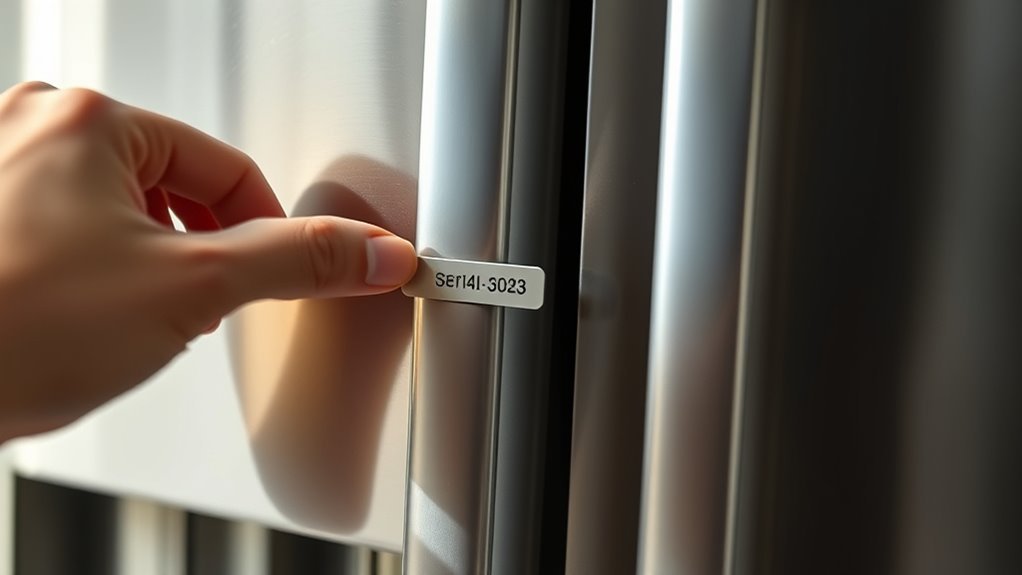
You can find your GE serial number on labels inside door frames, back panels, or near control panels. For refrigerators, check inside the fresh food compartment; for washers and dryers, look around the door or back.
The serial number helps with warranty checks, repairs, and parts orders. Usually, the model number is on the same label.
Knowing where and how to find it saves time and hassle when you need service or support. Investigate more to uncover decoding tips and warranty info.
Key Takeaways
- Find the serial number label inside door frames, back panels, or near control panels on your GE appliances.
- For refrigerators, look inside the fresh food compartment. For washers and dryers, check around the door or on the back.
- Usually, serial numbers are on the same label as the model number, with the model on top and the serial number below.
- If the labels are damaged or missing, try checking less obvious spots or look at your purchase receipts, manuals, or warranty cards.
- If you’re still having trouble, contact GE customer support for help.
Where to Find Your GE Serial Number
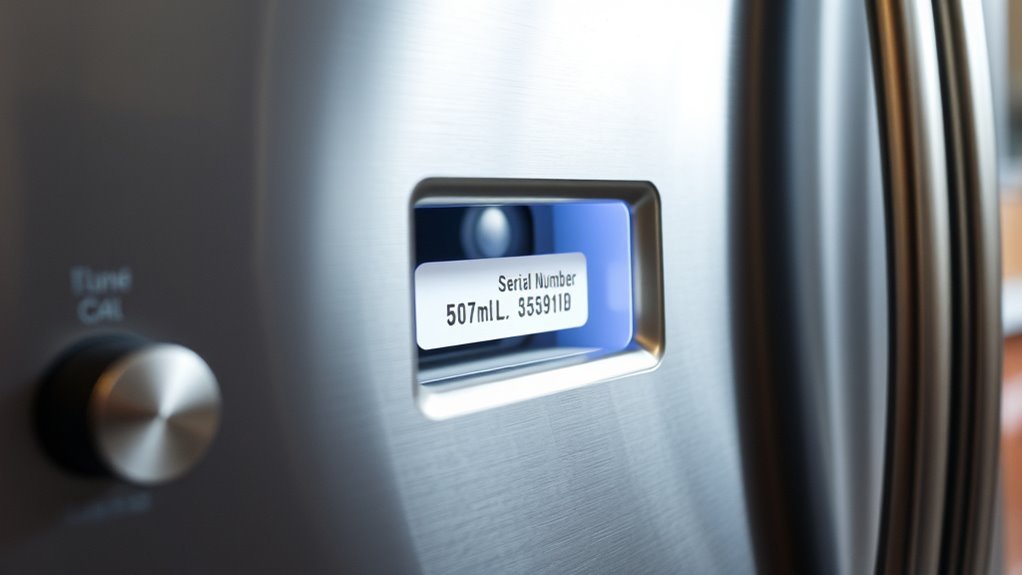
You can find your GE serial number in several common locations depending on the appliance. This number is important for identifying your appliance, checking warranty status, ordering parts, or scheduling repairs. Knowing where to look saves you time and frustration.
Usually, the serial number is on a label or metal plate attached to the appliance. It might be inside the door frame, on the back panel, or near the control panel. For example, refrigerators often have it inside the fresh food compartment, while washers and dryers display it around the door or on the back.
The serial number’s importance can’t be overstated—it’s your key to accurate service and support. Understanding where to find this information makes communication with GE support easier and helps you get the right assistance quickly.
Keep this number handy for all your appliance identification needs.
Locating Serial Numbers on Common GE Appliances
Although serial numbers might seem hidden at first, finding them on common GE appliances is pretty easy once you know where to look. Knowing where these numbers are placed can save you time and frustration.
Each appliance type has typical spots where GE puts the serial number for easy access. Here’s a quick guide to help you out:
| Appliance Type | Serial Number Placement |
|---|---|
| Refrigerator | Inside the fridge, along the door frame |
| Washer | On the door frame or behind the door |
| Oven/Range | On the frame behind the drawer or door |
Check these usual spots, and you’ll be able to find the serial number quickly. Keep this table handy so you can easily locate your GE appliance’s serial number whenever needed for repairs, warranty, or registration.
How to Decode Your GE Serial Number
Now that you’ve located your GE serial number, let’s talk about how to decode it. Don’t worry — it’s easier than you might think! You’ll want to learn how to read the format, spot the date code, and understand the location code. This way, you can figure out exactly when and where your appliance was made.
Serial Number Format
When decoding your GE serial number, understanding its format is key to revealing important details about your appliance, like its manufacture date and model.
GE serial numbers usually combine letters and numbers, with each part having a specific meaning. The first few characters often indicate the factory location, while the following numbers show the production batch.
Knowing how to read your serial number helps you trace your appliance’s history accurately, whether for repairs, warranty, or resale.
Familiarizing yourself with this format lets you quickly identify where and when your appliance was made.
Being able to interpret your GE serial number gives you access to detailed records, ensuring you’re well-informed about your appliance’s background and authenticity.
Date Code Identification
Since GE serial numbers contain coded information about manufacture dates, you can decode the date by focusing on specific characters within the sequence.
Understanding the date code significance helps you pinpoint when your appliance was made, which is essential for warranty claims or repairs.
GE uses several date code formats, often combining letters and numbers to represent the month and year.
For example, some formats use a letter for the month (A for January, B for February) followed by two digits for the year.
Others might reverse this order or include additional characters.
By identifying these patterns, you’ll quickly interpret your serial number’s date code.
Keep in mind, the exact format can vary by product line and manufacturing period, so checking the date code formats related to your appliance guarantees accuracy.
Location Code Meaning
Decoding the location code in your GE serial number shows where your appliance was made. This can help you find specific production details or verify authenticity.
GE uses unique letters or numbers within the serial number to represent different factory sites. Knowing this code helps you trace your appliance’s origin, whether it’s from Louisville, Kentucky, or another GE facility.
This info can be useful for warranty claims, recalls, or finding parts specific to your model’s production location. To decode it, focus on the characters designated for location in the serial number and compare them to GE’s location code charts.
Following this method ensures you get accurate insights without guesswork.
Find Your GE Model Number Alongside the Serial Number
Where can you locate your GE model number along with the serial number? Typically, you’ll find both on the same label or plate attached to your appliance.
This label is often positioned inside the door frame, on the back panel, or near the appliance’s control panel. For example, in refrigerators, check the interior walls or door edges; for washers and dryers, look inside the door or on the back.
Finding these numbers together simplifies model identification and serial tracking, which are essential for ordering parts, troubleshooting, or verifying product details.
The model number usually appears near the top of the label, while the serial number sits just below it.
The model number is typically at the top of the label, with the serial number located directly beneath it.
By knowing exactly where to look, you can quickly retrieve both numbers, ensuring accurate information for any service or inquiry related to your GE appliance.
Don’t forget to note them down carefully for future reference.
Check Your GE Warranty Using the Serial Number
Although warranty details can seem complex, you can quickly check your GE appliance’s warranty status by using the serial number. Just enter the serial number on GE’s official website or contact their customer service to get detailed info about your warranty coverage.
This way, you’ll know exactly what repairs or replacements are covered, saving you time and unexpected expenses. Using the serial number ensures you get accurate data about the warranty expiration date, so you can plan any needed maintenance or repairs before it runs out.
It also confirms whether your appliance is still eligible for free servicing under the original warranty or any extended plans. Don’t skip this step—it’s the most reliable way to verify your GE appliance’s protection and manage your investment wisely.
Troubleshooting Tips If You Can’t Find Your Serial Number
If you can’t locate your GE appliance’s serial number, don’t worry—you’re not alone. Many people face this challenge because of worn labels, hard-to-reach spots, or faded print.
First, try checking alternative sources like the original purchase receipt, user manual, or warranty card. These often include your serial number or other identifying info.
Also, inspect less obvious spots on the appliance—inside the door frame, on the back panel, or near the power cord. If labels are damaged, use a flashlight or magnifying glass to see better.
Sometimes, contacting GE customer support with your model number and purchase details can help you find the serial number.
Remember, options beyond the label can save you time and frustration when the original tag isn’t accessible.
Following these simple steps will help you find the info you need without hassle.
Using Your GE Serial Number to Order Parts and Repairs
Once you’ve got your GE serial number, it makes finding the right parts so much easier. You can quickly identify exactly what you need for repairs without any guesswork. Plus, with that serial number, you can check if your appliance is still under warranty before you go ahead and order anything.
And if you decide to call in a professional, having your serial number handy helps them understand your specific model. That way, they can schedule repairs that are just right for your appliance. It’s a simple step that makes the whole process smoother!
Identifying Parts With Serial
When you need to order parts or schedule repairs for your GE appliance, using the serial number ensures you get the exact components made for your model. The serial number helps identify appliance parts accurately, preventing mistakes and saving you time. By providing this unique code, you can verify compatibility and avoid unnecessary delays.
Here’s how the serial number helps in identifying parts:
- Confirms the exact model and production details
- Matches parts that fit and work perfectly
- Streamlines communication with service centers and suppliers
Always find your GE serial number before ordering parts or booking repairs. This simple step makes sure you get the right components, helping your appliance stay in top shape and last longer.
Verifying Warranty Status
Knowing your GE serial number not only helps you find the right parts but also allows you to quickly check your appliance’s warranty status.
By entering the serial number on GE’s official website or contacting customer support, you can verify your warranty coverage instantly.
This way, you’ll always know whether repairs or parts replacements are covered without surprises.
If your appliance is nearing the end of its standard warranty, using the serial number can help you explore options for a warranty extension.
Securing a warranty extension can save you money on future repairs and give you peace of mind.
Always keep your serial number handy when ordering parts or seeking service so you can confirm warranty details and avoid unnecessary expenses.
Scheduling Professional Repairs
If you need repairs, having your GE serial number ready makes ordering parts and scheduling professional service much easier. When you call or visit GE’s service website, providing this number ensures you get the exact components your appliance needs. It also speeds up scheduling, helping you avoid delays.
Using your serial number, you can quickly find compatible parts for replacement. It also gives you access to accurate maintenance reminders tailored for your model. Plus, scheduling professional repairs becomes simpler without extra verification.
Keeping your serial number handy helps streamline communication and makes sure technicians arrive prepared. This proactive step reduces downtime and keeps your appliance running smoothly. Don’t wait for a breakdown—use your serial number to stay ahead with timely repairs and maintenance reminders.
How Your GE Serial Number Reveals the Manufacture Date
Although serial numbers might look like random strings, your GE serial number actually contains important info: the exact date your appliance was made. Knowing this can help you quickly figure out how old your appliance is.
This is especially useful when you’re considering repairs, replacements, or checking warranty coverage. Typically, GE serial numbers include a code that shows the year and week of manufacture, so you can pinpoint when your appliance was produced.
Decoding this info gives you insights into your product’s lifespan and durability. With this knowledge, you can make smarter decisions about maintenance or upgrades.
Tips for Recording and Storing Your GE Serial Number Safely
Once you’ve identified your GE serial number and what it reveals about your appliance’s age, the next step is to keep that information handy and secure. Storing it safely ensures you can quickly reference it for warranty claims, repairs, or resale.
Here are some tips for recording and storing your GE serial number safely:
- Write it down clearly in a dedicated appliance logbook or maintenance folder.
- Take a photo of the serial number label and save it in a secure cloud storage service.
- Avoid storing it randomly; keep it where you can easily find it, like a labeled file or a password-protected note app.
When and Why to Contact GE Customer Support With Your Serial Number
You’ll want to reach out to GE customer support with your serial number mainly when you’re checking on your warranty or facing a problem with your product. Having that serial number ready makes things a lot easier and faster because it helps them find the right info quickly.
Plus, it ensures you get accurate help without a lot of back-and-forth. So, whenever you need to sort out a warranty question or troubleshoot an issue, having your serial number handy is definitely the way to go.
Warranty Verification Process
When you want to check if your GE product is still covered under warranty, contact GE Customer Support with your serial number. This helps you quickly find out the warranty duration and coverage details specific to your product.
Having this information ensures you’re aware of your rights and the options available if something goes wrong. Reach out to GE Customer Support to verify the exact warranty remaining on your product, get detailed coverage info for your model, and confirm if you’re eligible for repairs or replacements under warranty.
Product Issue Resolution
Encountering issues with your GE product? Reach out to GE Customer Support using your serial number. This unique identifier helps the support team quickly access your product’s history, making troubleshooting more efficient.
Whether you’re facing performance problems, malfunctions, or need part replacements, having your serial number ready speeds up issue tracking and resolution.
Don’t hesitate to contact support if you notice persistent errors or safety concerns. Early intervention can prevent further damage.
Providing your serial number also helps verify warranty status and allows the support team to offer tailored solutions based on your product’s specifics.
Keep your serial number accessible to streamline the process whenever issues arise, saving you time and hassle.
Frequently Asked Questions
Can I Transfer My GE Appliance Warranty to a New Owner?
Yes, you can transfer your GE appliance warranty to a new owner. When you sell or give away your appliance, make sure to notify GE about the transfer.
You’ll need to provide details like the appliance’s serial number and the new owner’s information. This helps ensure the new owner continues to get warranty coverage without any trouble.
Don’t forget to keep all purchase and warranty documents handy during the transfer process.
Are GE Serial Numbers Linked to Product Recalls?
Absolutely, GE serial numbers are like superhero codes linked to recall notifications! They help you instantly identify if your appliance is part of a consumer safety recall.
How Often Should I Update My GE Appliance Registration?
You should update your GE appliance registration whenever you make significant changes, like moving or repairs, to ensure your information is accurate.
There’s no strict rule on how often you need to do this, but it’s a good idea to review and update your details once a year.
Keeping your registration current helps you get timely recall notices, warranty updates, and service alerts.
Staying up-to-date guarantees you get the most support and protection for your appliance.
Can GE Serial Numbers Be Used for Appliance Theft Recovery?
Yes, you can use GE serial numbers for appliance theft recovery. Keeping track of your appliance’s unique serial number helps law enforcement identify and return stolen items.
You should record and register your serial number for effective serial tracking. This makes it easier to prove ownership if your appliance is stolen.
Being proactive in protecting your property is key. Always store your serial number in a safe place so you can access it when needed.
Do GE Serial Numbers Differ Between Countries?
You might think GE serial numbers change like the weather across countries, but they mostly stick to international standards to keep things simple.
That said, you’ll spot some regional variations—like different coding styles or added letters—that reflect local regulations or manufacturing sites.
So, while the core format stays pretty consistent worldwide, minor tweaks help GE track products better depending on where they’re made or sold.
It’s a clever balance!
Conclusion
Now that you know how to track down and decode your GE serial number, you hold the key to your appliance’s story. Like a secret map, it guides you to warranty info, parts, and repairs with ease.
Keep it stored safely—think of it as your appliance’s fingerprint. When questions come up, don’t hesitate to contact GE customer support.
With this number in hand, you’re ready to tackle any appliance challenge swiftly and confidently. The GE serial number search is your best tool for quick, reliable help.