How to Design a Restaurant Menu That Drives Sales and Delight
Designing a restaurant menu that appeals to customers and boosts sales starts with understanding your audience and strategically organizing your offerings. A menu should clearly showcase your best dishes, use appealing descriptions, and balance visuals with readability to guide diners’ choices.
A well-crafted menu acts as both a marketing tool and a reflection of your brand identity. Beyond listing dishes, the design influences customer perception, eating behavior, and overall dining experience. This makes the design as important as the food itself in helping a restaurant succeed.
This article will explore key principles for designing a restaurant menu, including how to categorize items, use typography and color, craft enticing descriptions, and incorporate layout ideas that enhance user engagement and profitability.
Understanding the Basics of Restaurant Menu Design
Defining Your Menu’s Purpose and Audience
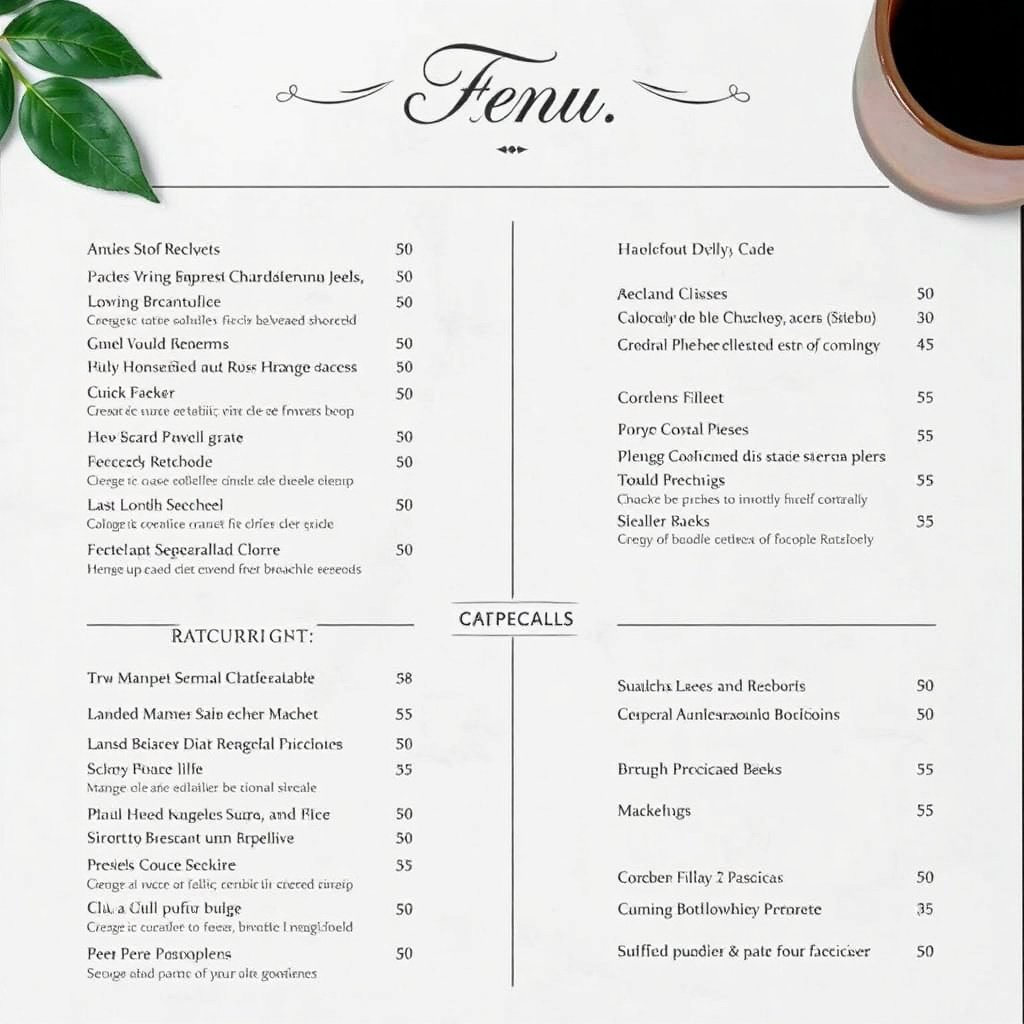
Before laying out your menu, define its main purpose—whether to highlight seasonal dishes, promote high-margin items, or communicate your restaurant’s theme. Knowing your target customers’ preferences helps tailor the menu’s language and visual tone.
Consider demographics like age, cultural background, and dining style preferences. Casual diners may appreciate simple, clear options, while fine-dining guests expect elaborate descriptions and artistic touches.
Establishing Menu Categories and Item Order
Organize dishes logically—starters first, followed by mains, desserts, and beverages. Grouping related items creates an intuitive flow. Place signature or high-profit items where eyes land first, often the top-right section of the menu.
Balancing variety avoids overwhelming diners while ensuring enough options satisfy different tastes. Highlight specials and new dishes distinctively to attract attention.
- Starters, main courses, desserts, beverages
- Vegetarian and gluten-free sections
- Chef’s specials or promotional items
Typography and Graphics to Enhance Readability

Choosing Fonts and Font Sizes
Select fonts that reflect your restaurant’s style but remain easy to read. Combining one decorative font for headings with a clean sans-serif or serif font for descriptions maintains professionalism without sacrificing aesthetics.
Keep body text around 10 to 12 points for readability, and use larger sizes for dish names and section titles to create hierarchy. Avoid crowded text and excessive styles that distract diners.
- Use two complementary fonts
- Maintain minimum 10pt font size
- Bold key elements for emphasis
Incorporating Colors and Images
Use color to evoke mood and highlight sections. Neutral backgrounds with accent colors improve clarity, while vibrant hues can trigger appetite but should not overwhelm. Strategic use of food photos or icons helps customers visualize dishes without cluttering.
Avoid overloading your menu with images; select high-quality photos for popular dishes only and keep icons simple and consistent.
- Accent colors to emphasize specials
- High-quality photos for key dishes
- Consistent iconography
Writing Effective Menu Descriptions
Crafting Clear and Appealing Descriptions
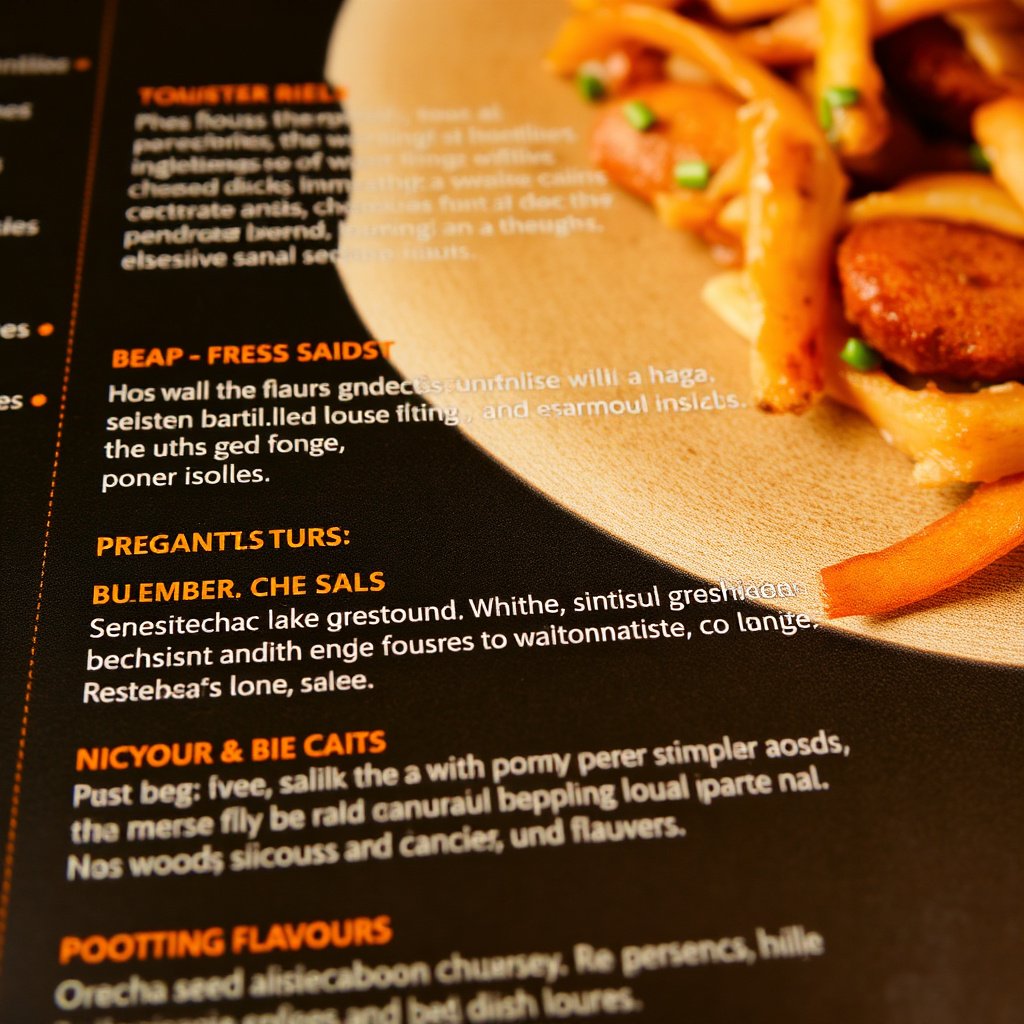
Descriptions should be concise yet vivid, mentioning key ingredients and cooking methods that excite diners. Avoid jargon, but use sensory words that evoke taste, texture, or aroma to make dishes memorable.
Mention any unique regional or seasonal elements to differentiate your menu and help customers connect with your culinary story.
- Use sensory adjectives (crispy, creamy, tangy)
- Highlight fresh or special ingredients
- Keep descriptions under 30 words
For more on this, see our related guide: How Long Does It Take to Get a Table at a Restaurant? A Complete Guide That Works.
Balancing Price and Value Perception
Presenting prices subtly—without currency symbols—can reduce sticker shock. Position prices away from dish names and descriptions to encourage choices based on appeal rather than cost alone.
Group higher-margin items in prominent spots to increase sales without seeming pushy. Clearly mark value combos or deals to guide budget-conscious customers.
- Use subtle price formatting
- Highlight combo offers
- Strategically place high-margin items
Menu Layout Ideas and Material Choices

Selecting the Right Menu Format
Menus come in various formats—single sheets, booklets, or digital tablets. Single sheets work well for concise options, while booklets suit extensive menus or fine dining with multiple courses. Digital menus offer flexibility and easy updates but require tech investment.
Consider the dining environment and how customers interact with menus. Durable materials are particularly important for high-traffic settings.
- Single-page for quick-service
- Booklet for fine dining
- Digital menus for tech-savvy venues
Choosing Durable and Stylish Materials
Material quality affects perceptions and longevity. Laminated paper resists spills, while textured cardstock adds tactile appeal. Wooden or leather-bound menus lend a premium feel but can be costly.
Match the material choice with your restaurant’s vibe and cleaning needs to maintain hygiene and appearance over time.
- Laminated paper for durability
- Cardstock for upscale look
- Luxury covers for high-end venues
Using Psychology in Menu Design
Placing Items to Direct Customer Attention
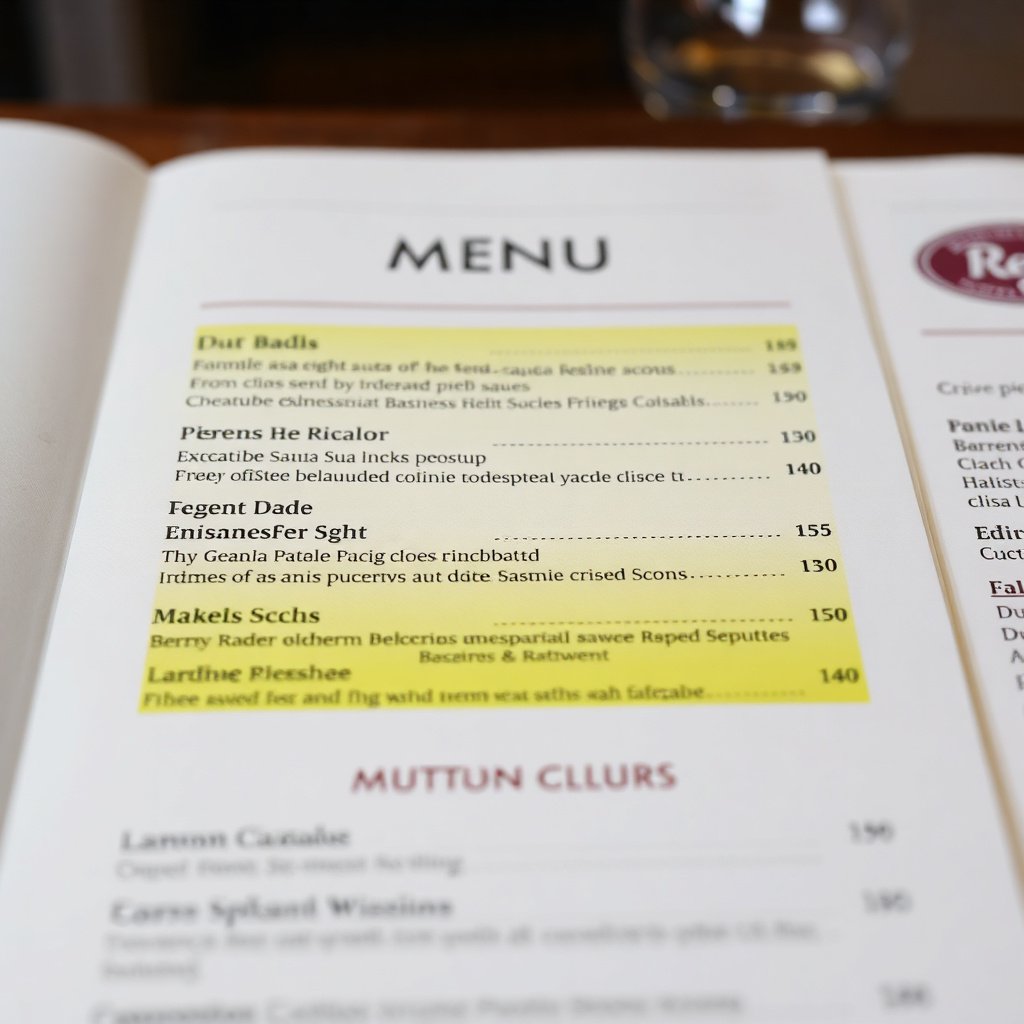
Eye tracking studies reveal customers first look at the top-right and central parts of menus. Place your most profitable or popular dishes there to maximize orders.
Breaking the menu into smaller sections with clear headers reduces decision fatigue and speeds ordering.
- Feature specials in prime zones
- Use boxes or borders to highlight
- Group items logically
For more on this, see our related guide: What Is the Best Restaurant for a Family Dinner? A Complete Guide with Insider Tips.
Leveraging Price Anchoring and Decoy Effects
Introducing a high-priced item can make mid-range options seem more affordable, increasing their sales. Similarly, decoy dishes with moderate value can nudge customers toward desired selections.
This cognitive pricing strategy helps optimize average check size while keeping diners satisfied.
- Use premium items as anchors
- Include decoy dish options
- Price mid-range items attractively
Adapting Your Menu for Digital and Social Media

Creating Responsive Digital Menus
Digital menus must adapt smoothly to mobiles, tablets, and kiosks. Responsive design ensures readability on any screen size, with touch-friendly navigation and clear visuals to guide users.
Regularly update digital menus to reflect seasonal changes, availability, and pricing instantly without reprinting.
- Use scalable fonts and images
- Prioritize fast loading times
- Enable easy updates
For a foundational overview, see the Restaurant menu design basics on Wikipedia. Restaurant menu design basics on Wikipedia.
Integrating Social Media and Feedback Elements
Incorporate QR codes linking to social media or customer reviews to engage diners online. Encouraging user-generated content with hashtags can boost visibility and build community.
Showcase popular dishes with links to share photos or write feedback, marrying the menu experience with modern digital interaction.
- Add QR codes for social sharing
- Highlight dishes with positive reviews
- Encourage feedback through menus
Comparison of Common Restaurant Menu Types
This table compares different types of restaurant menus by format, pros, cons, and best usage contexts to help identify what suits your establishment.
| Menu Type | Format | Advantages | Disadvantages | Best For |
|---|---|---|---|---|
| Single-Page Menu | One sheet, printed or digital | Simple, cost-effective, quick browsing | Limited space, less detailed | Casual and fast-service restaurants |
| Multi-Page Booklet | Folded or stapled booklet | Allows extensive offerings and detailed descriptions | Higher printing cost, heavier to handle | Fine dining, multi-course establishments |
| Digital Menu | Tablet or mobile app | Easy updates, interactive features | Requires technology investment, possible technical issues | Modern, tech-forward restaurants |
| Chalkboard Menu | Written on chalkboards or whiteboards | Highly flexible, rustic charm | Limited space, legibility depends on writing | Cafes, casual eateries with frequent changes |
| Menu Boards | Large boards behind counters | Visible to all customers, good for quick choices | Static unless regularly updated | Fast food, quick-service environments |
Frequently Asked Questions
How many items should a restaurant menu have?
A menu should balance variety and simplicity; typically, 20-30 items prevent overwhelming customers while offering enough choices to please different tastes.
What font size is best for readability on menus?
Use 10 to 12 points for body text to ensure readability, with slightly larger fonts for dish names and headings to create clear hierarchy.
Should prices be listed with or without currency symbols?
Omitting currency symbols can ease price perception and encourage ordering based on preference rather than just cost.
How important are food photos on menus?
High-quality photos can boost sales when used sparingly for key or signature dishes but too many images may clutter the menu and distract customers.
Can menu design affect customer spending?
Yes, strategic placement, descriptive language, and pricing tactics on menus influence customer choices and can increase average spend.
Key Takeaways
- Menu design shapes customer perception and ordering behavior directly.
- Clear organization and legible typography improve readability and flow.
- Enticing descriptions and strategic pricing boost sales effectively.
- Choose formats and materials that reflect your brand and dining style.
Conclusion
Designing a restaurant menu involves more than listing dishes; it’s about creating an experience that encourages customers to explore and enjoy your offerings. Successful menu design integrates audience insight, careful layout, appealing descriptions, and visual balance to influence diner decisions and satisfaction. Thoughtfully balancing presentation and pricing steers customers toward higher-margin choices without overt pressure, improving profitability while enhancing their dining experience. This strategic approach makes your menu a silent but powerful salesperson.
For operators focused on quick-service or casual dining, a clear and concise single-page menu emphasizing popular or high-margin items is effective. Fine-dining venues benefit from detailed booklets that communicate culinary artistry and context. Meanwhile, digital menus suit tech-forward establishments aiming for quick updates and interactive customer engagement. Across these formats, using sensory language, legible fonts, and balanced colors helps communicate your brand’s personality and whet appetites effectively.
Starting your menu design with a focus on your target audience and restaurant concept sets a strong foundation. Experiment with layout and descriptions but always test readability and customer response. Consider professional graphic design help for polished results. Ultimately, an attractive, easy-to-navigate menu that clearly showcases your best dishes will contribute significantly to customer satisfaction and returning business. Revisiting and updating your menu periodically keeps it fresh and aligned with evolving diner preferences.